mySailing Trips 1.5.0 Released

We’ve shipped a significant update with new tools to simplify crew management and keep your sailing data safe. Here’s what’s new.

Sailor Profile Portfolio – Save Your Crew Once

The biggest addition in 1.5.0 is the ability to create permanent sailor profiles. Instead of re-entering crew information for every trip, you can now save sailor details once and reuse them across trips

When you add a crew member, you can link them to a saved sailor profile. The app remembers your regular crew and makes suggestions, so onboarding becomes a one-click process.

What you can do:

  • Create permanent profiles with contact info, certificates, and emergency contacts
  • Link crew members to profiles for instant setup on future trips
  • View each sailor’s complete trip history
  • See which crew members are linked to profiles at a glance

Google Drive Backup & Restore – Your Data, Always Safe

Your crew database is important. Version 1.5.0 adds automatic backup to Google Drive, so your sailor profiles and user data stay protected.

With one tap, you can back up all your data. If you switch devices or need to restore information, it’s just a click away. The app handles version conflicts automatically, and you can restore to any backup point.

Features:

  • One-tap backup of all sailor profiles
  • Automatic updates as you add crew details
  • Encrypted through your Google Drive account
  • Restore to any point with a single tap
  • Seamless multi-device sync

QR Codes for Sailor Profiles – Share in Seconds

Need to share a crew member’s information with another skipper? Generate a QR code from any sailor profile. Other users scan it and instantly import the sailor to their app.

This is useful for:

  • Sharing crew details between skippers
  • Quick onboarding at sailing clubs
  • Digital crew exchanges
  • Archiving crew information

Smart Trip Duration Calculator

When you change a crew member’s joining or leaving date, the app now automatically calculates and suggests the trip duration. No more manual math – just adjust the dates and let the system do the work.

Dark Mode Refinements

We’ve polished dark mode throughout the app. Sailor profile cards, crew information cards, and stat displays now render properly in low-light conditions. Dark mode is now fully consistent across all crew management features.


Update Now

mySailing Trips 1.5.0 is available on:


Have feedback or suggestions? We’d like to hear from you. Rate us on the app stores or reach out directly.

Happy sailing!
Building Your Crew Network: Introducing Sailor Profiles in mySailing

Managing sailing crews just got easier – here’s what we’re working on

One of the biggest challenges for sailing enthusiasts is keeping track of crew members. You meet talented sailors, sailing friends, and experienced crew members on different trips, but storing and organizing that information? That’s been a manual process for most sailors.

We’re changing that.

The Problem We’re Solving

Imagine this: You’re planning your next sailing trip and want to bring together your favorite crew from previous adventures. But where do you find their contact information? Their experience level? Their certifications? Most sailors end up with scattered notes, phone contacts, or worse – they just can’t remember who sailed with them last year.

Plus, if you’re the captain or trip organizer, you need to quickly assess who brings what skills to the table.

Introducing Sailor Profiles

We’re building a new Sailor Profiles feature that lets you create a personal database of sailors – your own crew network, right in the mySailing app.

What You Can Do

Create Your Sailor Profile

Store your personal sailor information in one place. Your name, contact details, certifications, maritime experience – everything a crew organizer needs to know about you.

Build Your Crew Database

Save profiles of sailors you’ve worked with – crew members, friends, colleagues. Create a quick reference library of people you trust and want to sail with again.

Manage Important Information

Store maritime documents, certification details, professional qualifications, and personal notes. Keep track of who has what certifications and experience levels.

Add Crew in Seconds

When you’re organizing a trip, simply select a saved sailor from your database and add them directly to your crew. No more typing out contact info or trying to remember their experience level.

Offline Access

Your sailor profiles are always available, even when you don’t have an internet connection. Perfect for remote anchorages or areas with spotty connectivity.

Why This Matters

For trip organizers and captains, this feature saves hours of administrative work. For crew members, it’s a way to build your sailing reputation – keep your profile updated with your latest certifications and experience.

But more than that, it’s about community. It’s about maintaining your network of sailing friends and making it easy to get back on the water together.

Still in Development

We’re actively working on this feature and plan to include it in an upcoming release. We’re focusing on making it intuitive, fast, and useful for real-world sailing scenarios.

Have ideas about what should be in a sailor profile? Want to see specific features? We’d love to hear from you – drop a comment or reach out through the app.

Fair winds! ⛵

Watch planner in testing

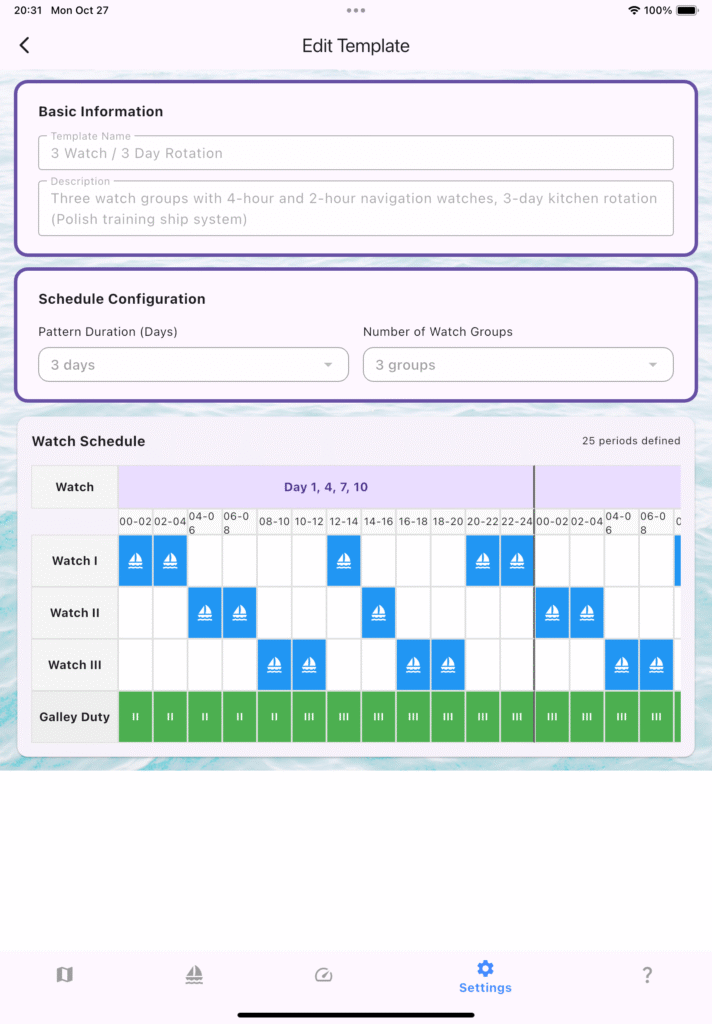
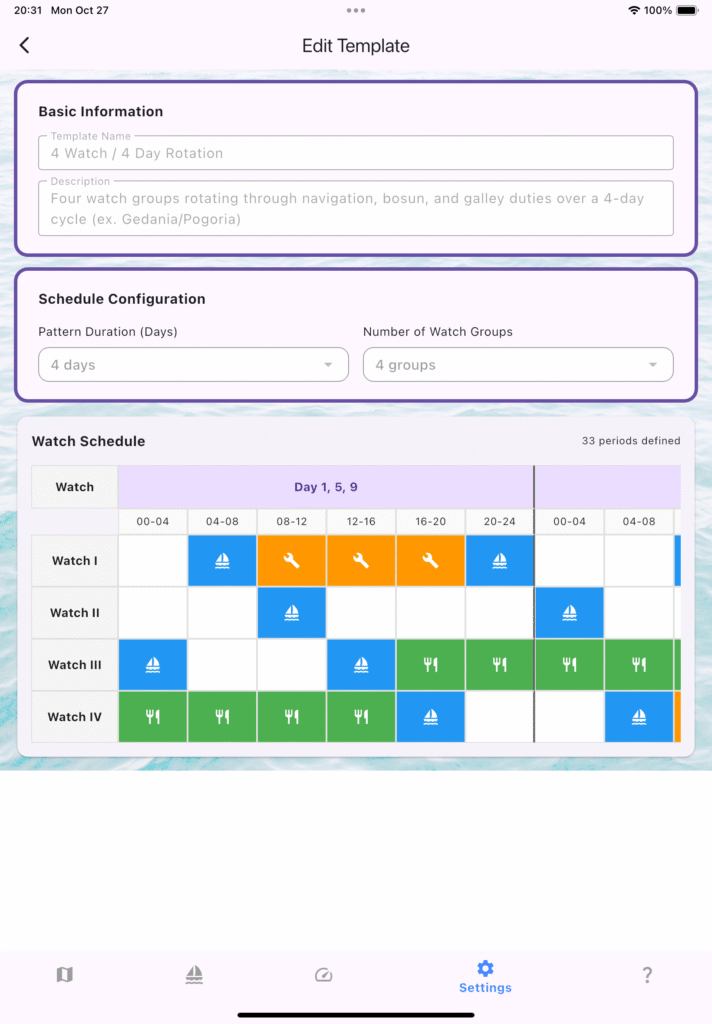
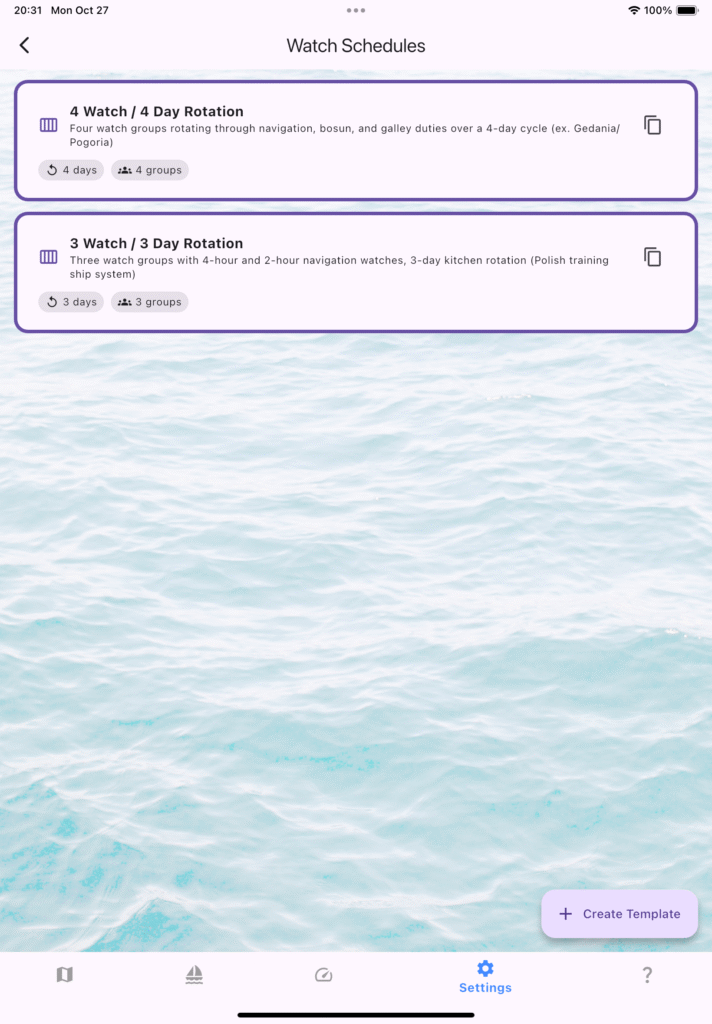
Ongoing work on Watch Planner – on one side grouping crew in Watch, on the other side preparing Watch schedule. Introduced 4/4 and 3/3 setup. At first you can use predefined schedules, editors will come later.

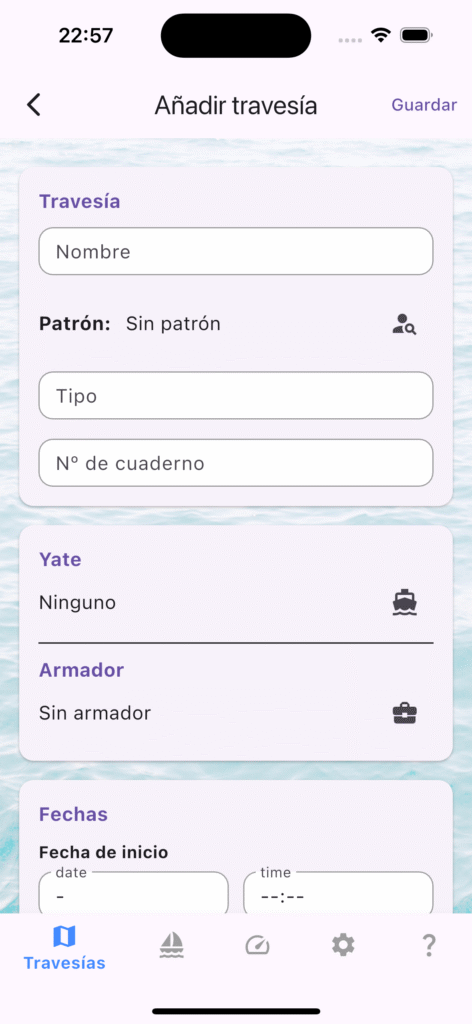
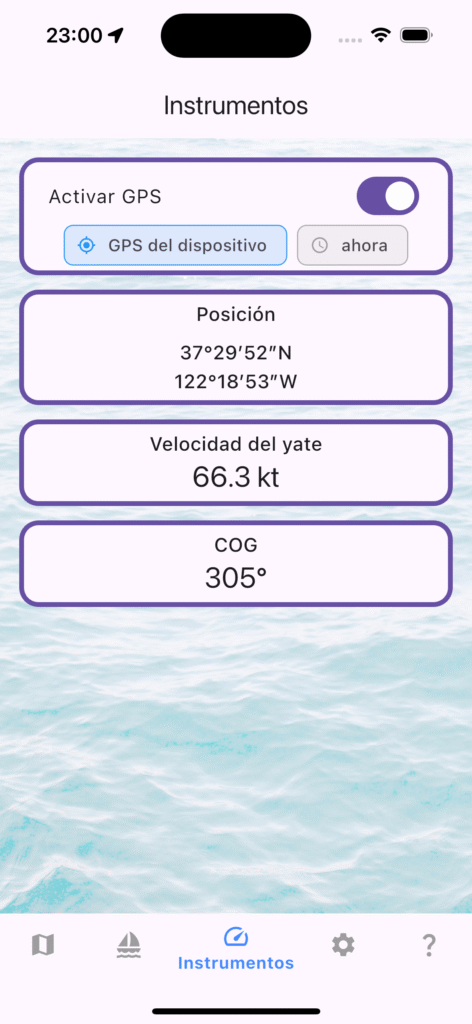
New features comes in English, Polish, Spanish and Catalan.

As usual testers needed

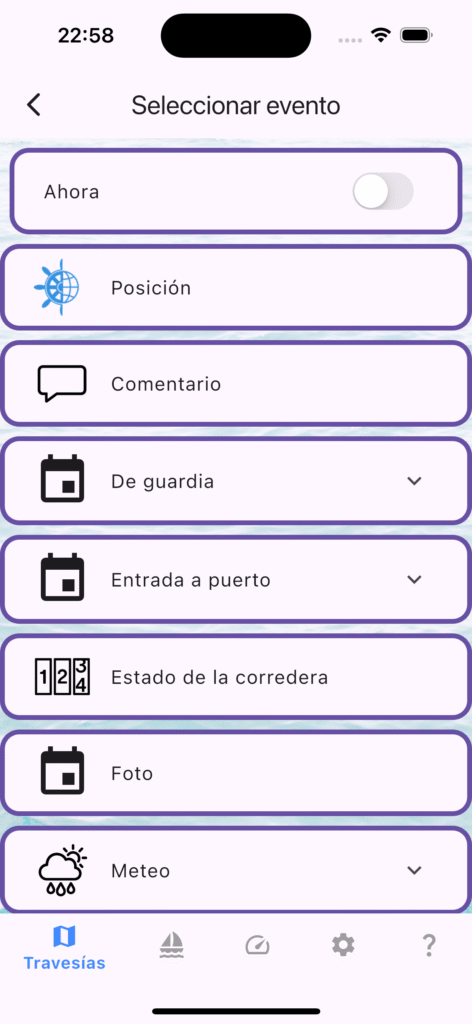
Buscamos testers para mySailing Trips en español

¡Tripulaciones al habla! En mySailing Trips estamos afinando la nueva localización al español y necesitamos navegantes con ganas de probar la app y contarnos qué tal funciona a bordo.

¿Qué puedes hacer con mySailing Trips?

  • Registrar el cuaderno de bitácora con eventos detallados: maniobras, cambios de guardia, condiciones meteorológicas y más.
  • Generar rutas y exportaciones GPX para compartir tu travesía con la tripulación o con quienes te esperan en tierra.
  • Organizar a tu equipo en grupos de guardia, asignar oficiales y mantener todo el plan de cubierta en orden.
  • Consultar procedimientos de radio (Mayday, Pan-Pan, Securité) listos para usar, con textos que rellenan tus datos automáticamente.

¿Te animas a testear?

Estamos buscando feedback sobre la experiencia en español: textos, terminología náutica, mensajes dentro de la app y cualquier detalle que pueda mejorar. Cuéntanos cómo la usas, qué te resulta útil y qué podríamos pulir.

Cómo participar

  1. Descarga mySailing Trips desde tu tienda habitual o usa el enlace a TestFlight / Google Play Beta.
  2. Configura la app en español (ajustes → idioma).
  3. Utilízala en tu próxima salida y, al regresar, comparte tus impresiones: capturas, omentarios
    o sugerencias. Tu experiencia real en cubierta nos ayuda a que la app hable el mismo idioma que la tripulación.
    ¡Gracias por embarcarte con nosotros!

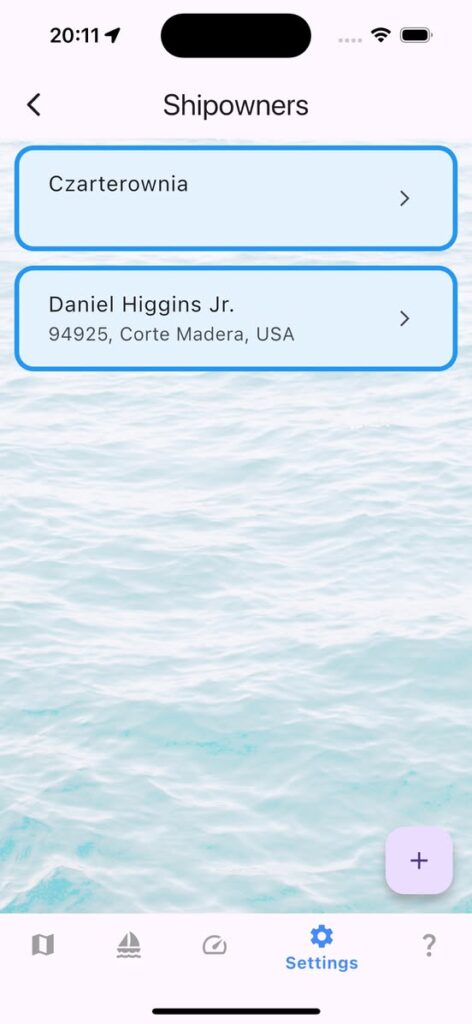
Weekly Logbook — Shipowner Roster Secured

What’s New:

  • Shipowner directory with full contact fields.
  • One-tap import from your address book to speed up data entry.
  • Crew toolbar refinements for smoother watch changes.

Why it matters: Keeping owner data alongside crew, vessel, and log entries closes one more loop in the voyage record. That means fewer loose notes and a tighter logbook when you hand over command or file reports.

Polish Note for Sailors: 🇵🇱 Armatorzy: Nowy rejestr i import danych to solidny krok milowy przed premierą Karty Rejsu — planujemy, by łączyła armatora, jacht i trasę w spójnej dokumentacji każdego rejsu.🇵🇱

Call to Action: Update the app, try importing your favorite owners, and let us know how the roster handles under way. As always, fair winds and following seas!

mySailing Trips 1.2.1 went live

In case you missed it – 1.2.1 is live

Version 1.2.1 is out and still warm. Go and get mySailing Trips with some nice updates for Android and iPhone:

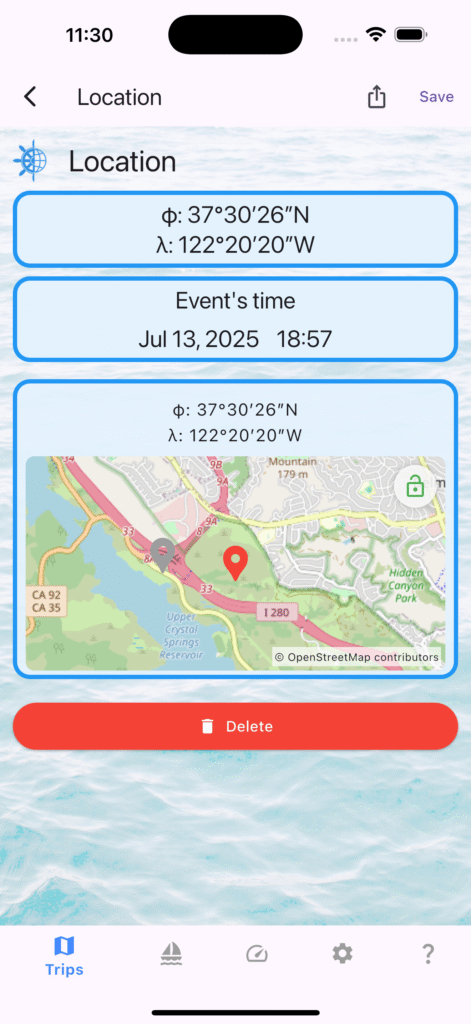
  • Edit location of the event by tapping lock on the map and tapping new pin.
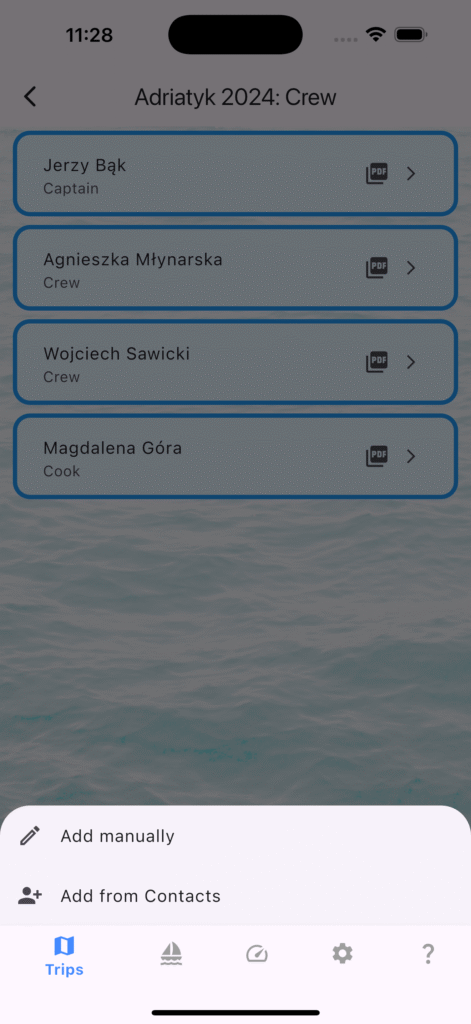
  • Add Crew Members from your phone Contacts
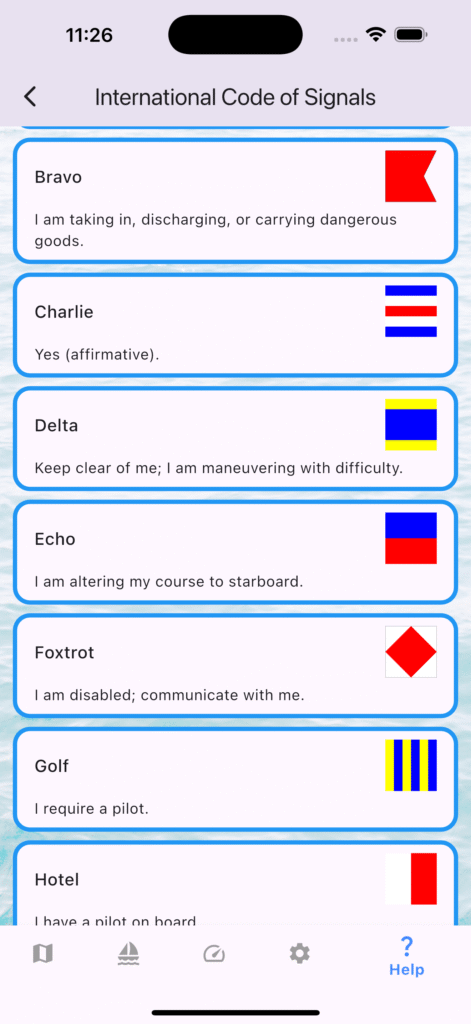
  • New Help tab with International Code of Signals.
  • Faster ICS search + filters; digit flags show “n Word”.
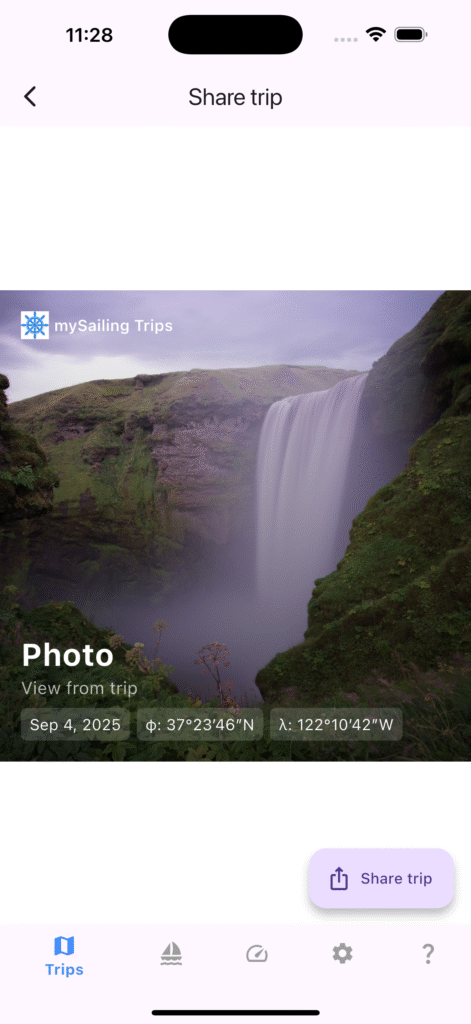
  • Trip share defaults to Circle template with Start/End ports.
  • Improved analytics and translations.
  • Local map caching enable
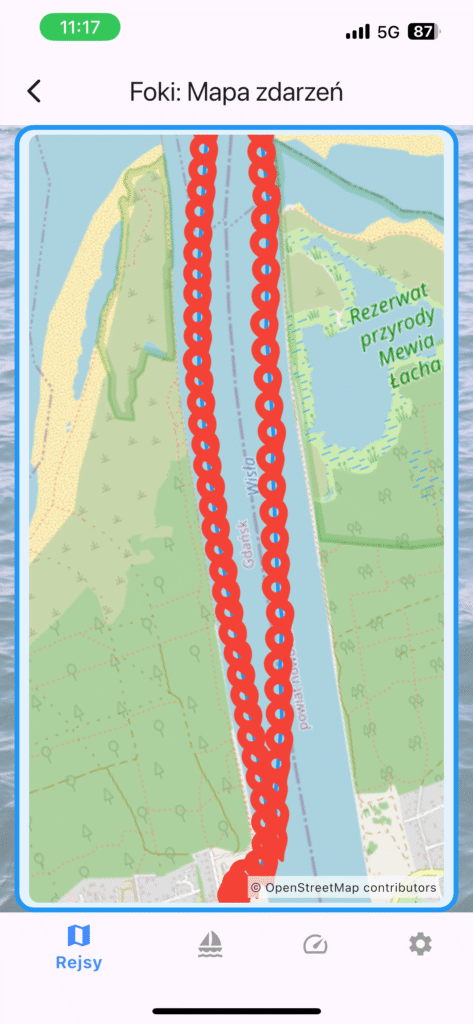
  • Automatically zooming map with events for better presentation

Crew from Contacts — Faster Crew Management (Beta 1.2.1)

Managing crew should be simple. In beta 1.2.1 (121), mySailing Trips lets you add crew directly from your phone’s Contacts. It’s fast, private, and optional.

How It Works:

  • Open a trip → Crew.
  • Tap + → Add from Contacts.
  • Pick a contact; the name is prefilled in the form; choose a role, save.

Permissions

  • iOS/Android ask for Contacts permission the first time you use this feature.
  • You can deny or change this anytime in system Settings.

Privacy

  • We only use the name you pick to fill the crew form. No contacts are uploaded or stored outside your device unless you choose to sync/backup (no feature yet).
  • You can edit or remove crew entries at any time.

Tips:

  • Use “Add manually” for skippers not in your Contacts.
  • Roles can be set or changed later (Captain, Crew, etc.).

Troubleshooting:

  • I don’t see Contacts”: Ensure Contacts permission is granted in Settings.
  • “Wrong name format”: Pick another entry for the same person or edit after prefill.

mySailing Trips 1.2 — Background Tracking

Version 1.2 focuses on background location tracking and several usability/UI improvements for smoother everyday use.

Highlights:

  • Favorite trip: Your favorite trip is pinned to the top of the list.
  • Background tracking: Optional background location tracking for the favorite trip.
  • Application may ask for additional permissions to allow background tracking.
  • Fixes/cleanup: Correct delete confirmations and internal data structure improvements.

How To Update:

  • Android: Update from Google Play (Production).
  • iOS: Update from the App Store.

Cruise Certificates

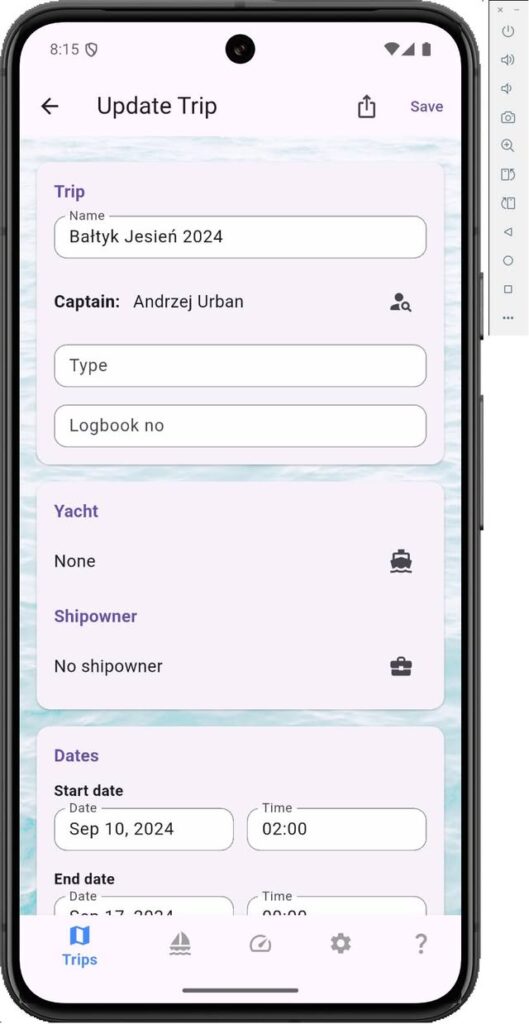
One of interesting features coming in version 1.8 is possibility to generate certificates after completed sailing. To support this feature both Trip and Crew member information have been extended with fields which collect information about saling time, visited ports or captain’s opinion.

Most of these entries can be simply synchronised with information from the Trip. Also information about Captain is not collected from the Crew list.

Picture above presents example template for confirmation with information expected for Polish sailing certificates. All templates are stored online and must be downloaded by application. This also means if you need particular passage confirmation it can be configured and added any time – just let me know. Filled documented can be shared by any messaging app or simply printed. Choice is yours!