The last six weeks have been some of the most intense development in mySailing’s history. Three minor releases — 1.7.0, 1.7.1, and 1.7.2 — delivered a live NMEA instrument panel, a complete backup system, massive performance improvements for large trip logs, and the first glimpse of AIS vessel tracking. Here’s everything that changed.
Live Instruments Dashboard
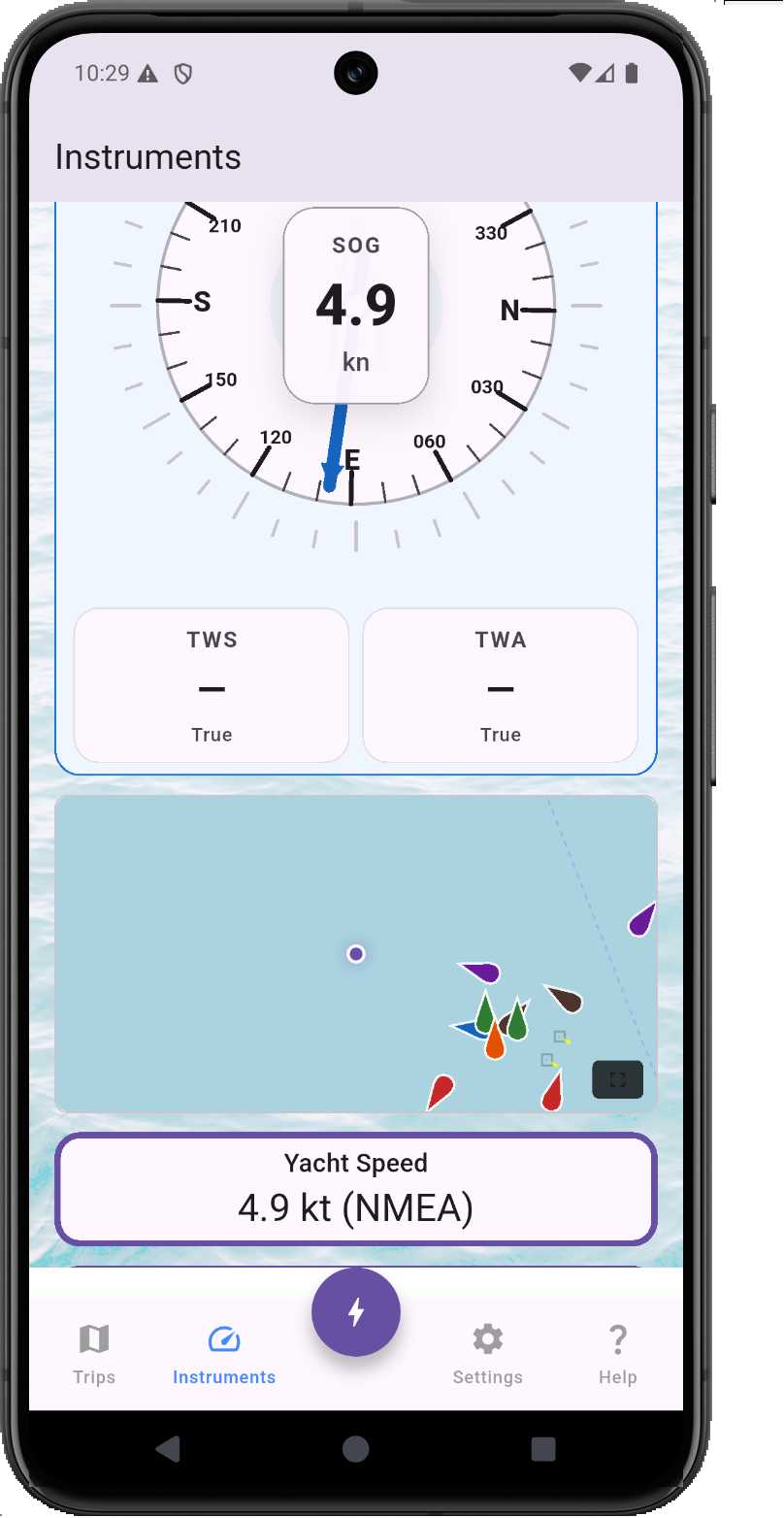
The headline feature of 1.7.0. The new Instruments view turns your phone or tablet into a live instrument panel fed by your boat’s NMEA 0183 network over WiFi. Wind speed and direction (true and apparent), SOG, COG, depth, engine RPM, log distance, and GPS position all update in real time — with large, glanceable gauges designed for cockpit readability.
GPS data is treated as a distinct stream from NMEA, so you can run instruments from your NMEA network while using the phone’s GPS for position, or disable GPS entirely with the new “Off” location source option (1.7.2) to save battery on long passages when an external GPS is available.
Pro tip: Tap any instrument gauge for a detailed time-series chart of that sensor’s data over the last hour.
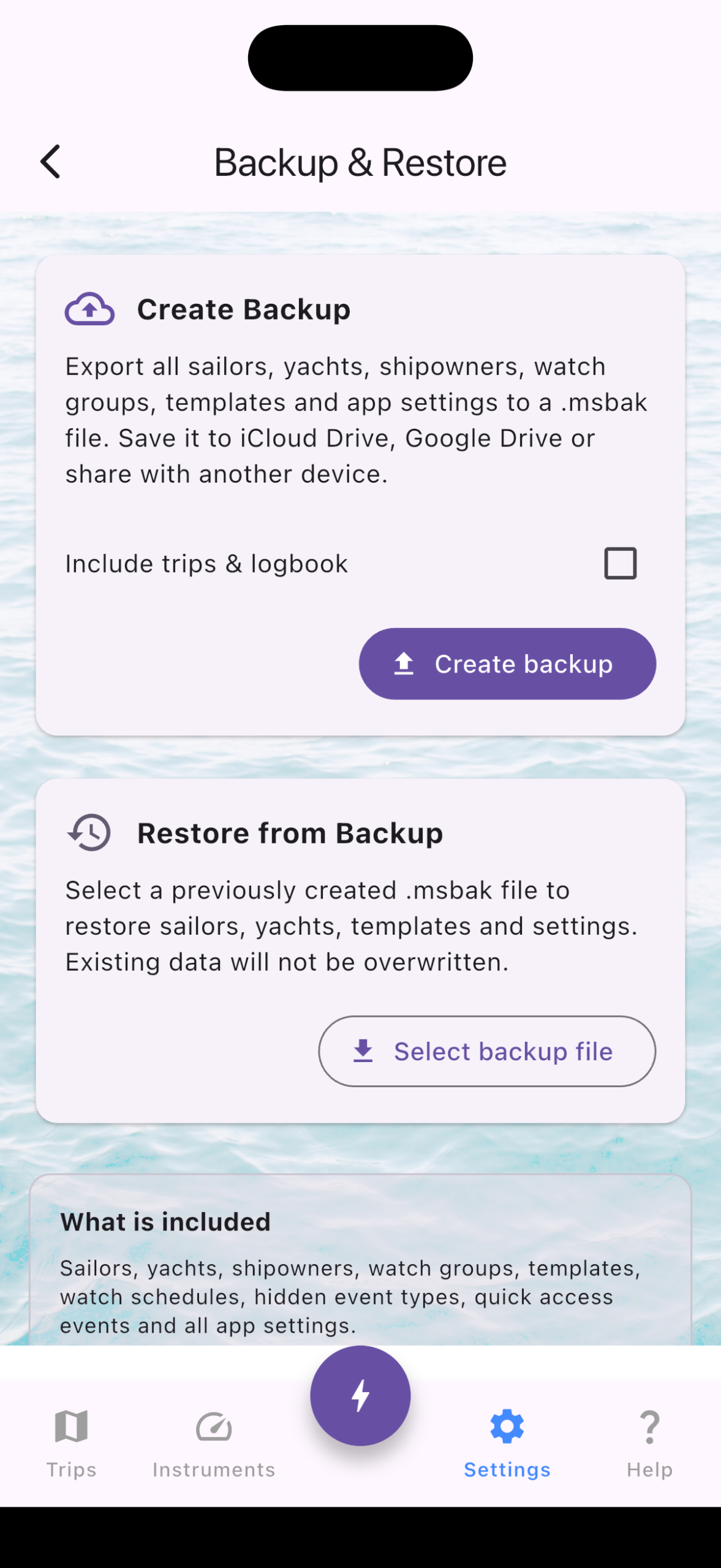
Backup & Restore (.msbak)
With 1.7.0, you can now export your entire app configuration — sailors, yachts, shipowners, templates, and settings — as a single .msbak file. Restore it on a new device, after a reinstall, or share it with your fleet manager. Trip data continues to use the .msts format for individual trip sharing.
Performance: 50,000 Events? No Problem
If you record NMEA data continuously on a long passage, your trip log can easily reach tens of thousands of events. Versions before 1.7.1 struggled — the event list would slow down, and opening the map view could freeze the app entirely.
We rewrote the data layer from the ground up:
- Typed location columns (
latitude/longitudeon the events table) eliminated repeated JSON parsing across 12 different code paths. The map view, GPX export, CSV export, and trip sharing all got faster. - Epoch-based timestamps replaced ISO 8601 text storage — integer comparisons are ~10× faster, and a new database index ensures every query hits the right rows immediately.
- Zoom-aware marker rendering caps map markers at 50–2000 depending on zoom level, while the full-route polyline remains visible at any scale. Zoom into a harbor and you’ll see dense markers only where they matter; zoom out to the world view and the map stays responsive.
The result: a trip with 50,000 location events opens instantly on the map and scrolls smoothly in the list — even on a three-year-old phone.
AIS Vessel Tracking (Early Access)
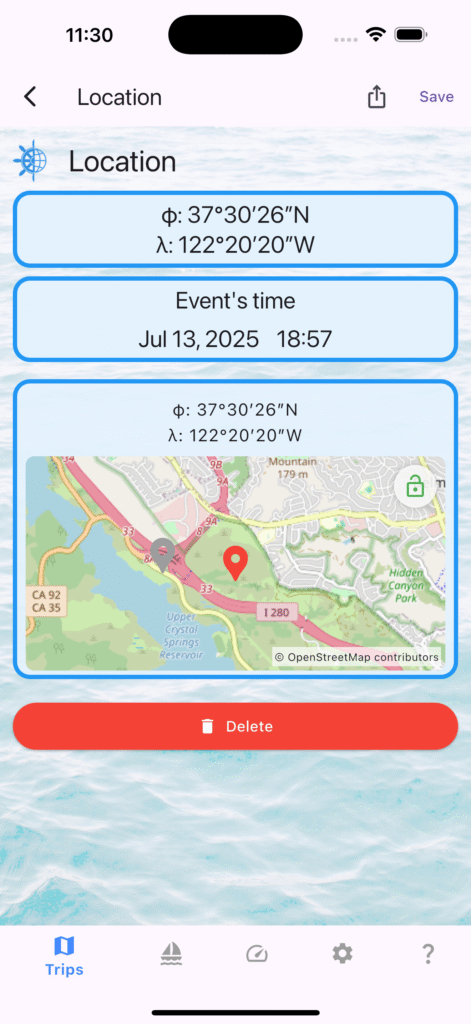
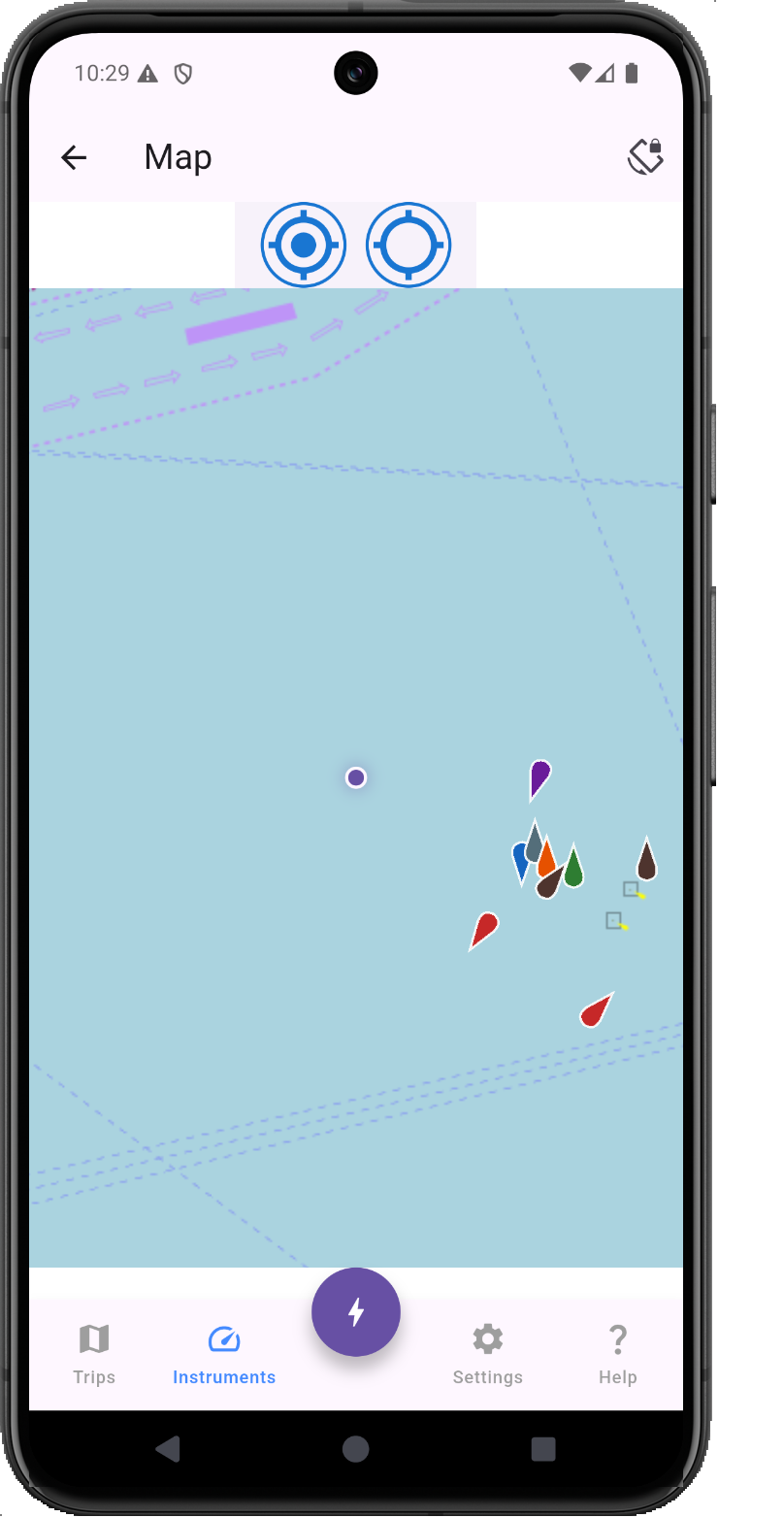
AIS targets received over NMEA are now plotted on the instruments map and the full-screen events map. Vessel markers show position and heading in real time, giving you a clear picture of traffic around you. This is an early implementation — more AIS features are coming in 1.8.
Online Sailor Profiles (Beta)
1.7.1 introduced the first version of online personal sailor profiles. Your profile card now displays total nautical miles and engine hours sailed across all trips. A new QR code button lets you share your profile with other skippers. Available for testing — opt in from the Sailors tab.
Quality of Life Improvements
- Android file open fix: Opening
.mstsfiles directly from a file manager no longer shows a black screen (1.7.2). - Flexible file imports: Trip files with unexpected extensions (e.g., renamed or downloaded without
.msts) can now be opened after a confirmation prompt (1.7.2). - Startup speed: Application launch time improved significantly in 1.7.2.
- Background NMEA: NMEA processing in the background is now more reliable, with proper notification permissions on Android.
Full Changelog
1.7.2 (July 2026)
- Improved location data storage for faster map rendering and exports
- Improved date/time storage in events
- Instruments: “Off” option for location source (battery saving)
- AIS vessel markers on instruments and full-screen map
- Trip files with unexpected extensions now openable
- Fixed black screen when opening trip files on Android
- Background NMEA processing improvements
- Faster application startup
1.7.1 (June–July 2026)
- Sailor profile card shows total miles and hours sailed
- QR code button for sharing sailor profiles
- Online personal sailor profiles (beta)
- Removed event import limit — import trips of any size
- Fixed event list performance with large trip logs
1.7.0 (June 2026)
- New: Live NMEA/GPS Instruments view
- New: Backup and restore (.msbak) for sailors, yachts, shipowners, templates, and settings
- Fixed GPS running when NMEA was disconnected but instruments were on
- Fixed AWA/TWA angle display in tracking events
- Improved trip import action clarity
mySailing is available now on the App Store and Google Play.
If you’re testing new features like AIS or online profiles, we’d love your feedback — reach out at mysailing.app or join the conversation on Facebook.