

Ok, on Play Google and AppStore you can see version 1.3.1 which addresses some internal issues mainly related to privileges. So not much new features yet, however work I am working on new things all the time
Weekly Logbook — Shipowner Roster Secured
What’s New:
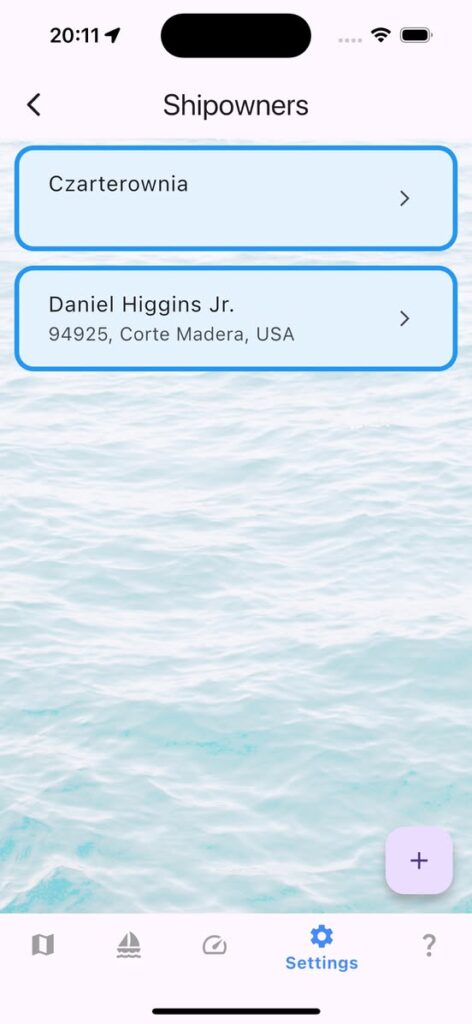
- Shipowner directory with full contact fields.
- One-tap import from your address book to speed up data entry.
- Crew toolbar refinements for smoother watch changes.
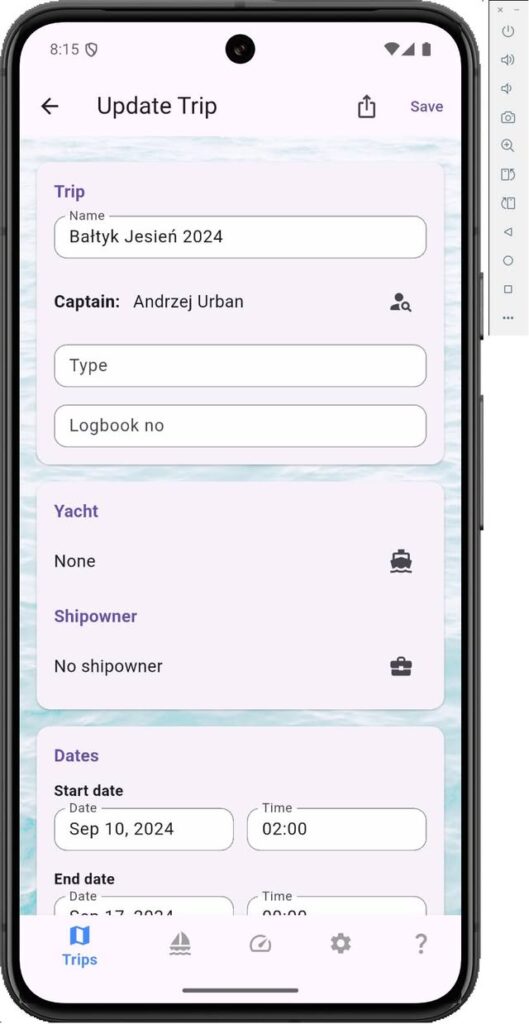
Why it matters: Keeping owner data alongside crew, vessel, and log entries closes one more loop in the voyage record. That means fewer loose notes and a tighter logbook when you hand over command or file reports.
Polish Note for Sailors: 🇵🇱 Armatorzy: Nowy rejestr i import danych to solidny krok milowy przed premierą Karty Rejsu — planujemy, by łączyła armatora, jacht i trasę w spójnej dokumentacji każdego rejsu.🇵🇱
Call to Action: Update the app, try importing your favorite owners, and let us know how the roster handles under way. As always, fair winds and following seas!
mySailing Trips 1.2.1 went live
In case you missed it – 1.2.1 is live
Version 1.2.1 is out and still warm. Go and get mySailing Trips with some nice updates for Android and iPhone:
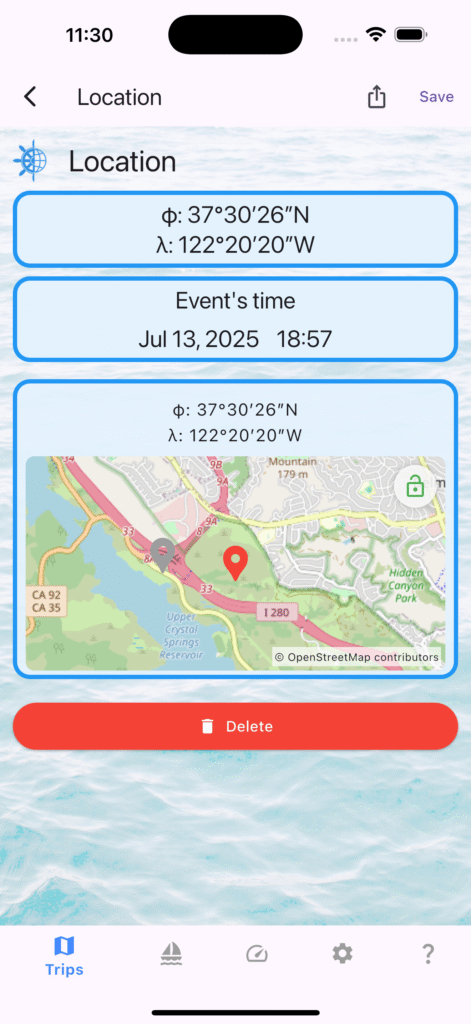
- Edit location of the event by tapping lock on the map and tapping new pin.
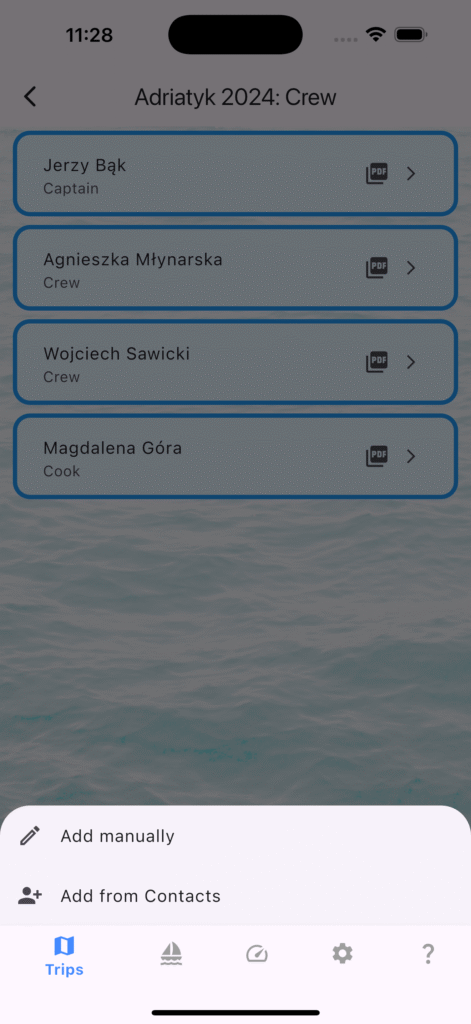
- Add Crew Members from your phone Contacts
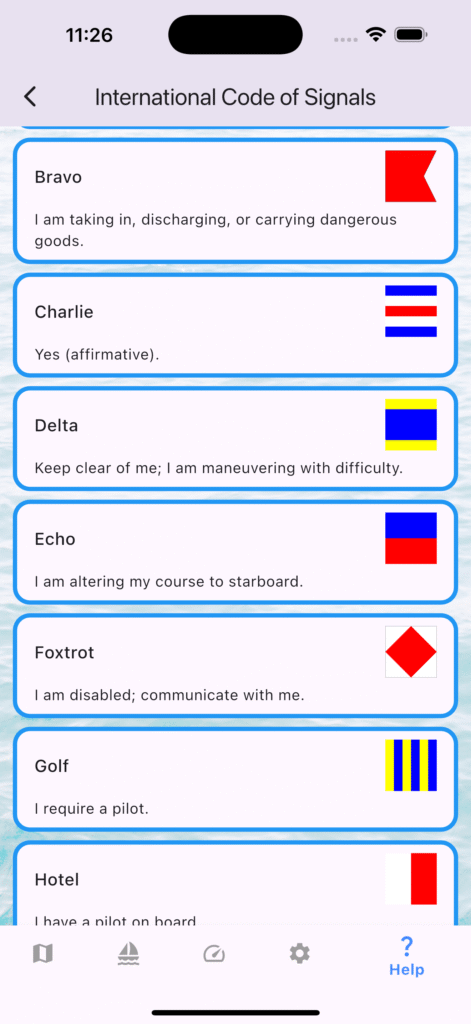
- New Help tab with International Code of Signals.
- Faster ICS search + filters; digit flags show “n Word”.
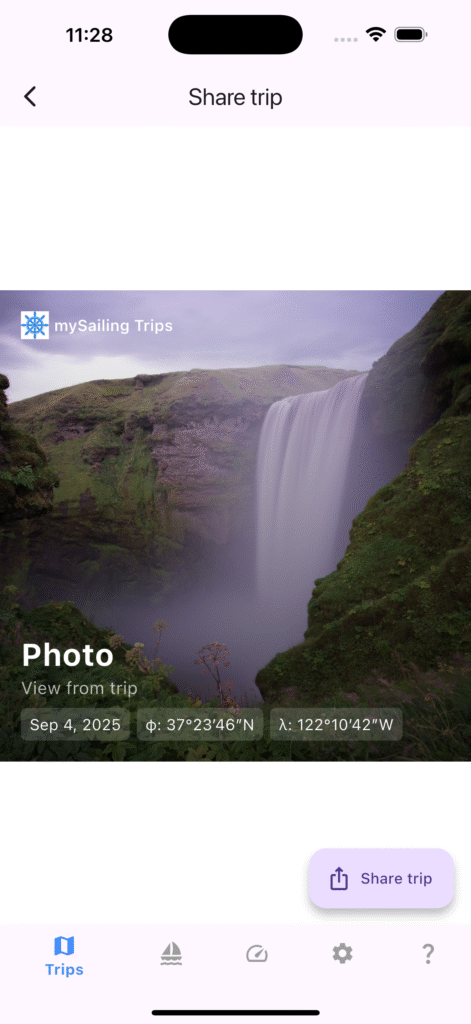
- Trip share defaults to Circle template with Start/End ports.
- Improved analytics and translations.
- Local map caching enable
- Automatically zooming map with events for better presentation
Crew from Contacts — Faster Crew Management (Beta 1.2.1)
Managing crew should be simple. In beta 1.2.1 (121), mySailing Trips lets you add crew directly from your phone’s Contacts. It’s fast, private, and optional.
How It Works:
- Open a trip → Crew.
- Tap + → Add from Contacts.
- Pick a contact; the name is prefilled in the form; choose a role, save.
Permissions
- iOS/Android ask for Contacts permission the first time you use this feature.
- You can deny or change this anytime in system Settings.
Privacy
- We only use the name you pick to fill the crew form. No contacts are uploaded or stored outside your device unless you choose to sync/backup (no feature yet).
- You can edit or remove crew entries at any time.
Tips:
- Use “Add manually” for skippers not in your Contacts.
- Roles can be set or changed later (Captain, Crew, etc.).
Troubleshooting:
- I don’t see Contacts”: Ensure Contacts permission is granted in Settings.
- “Wrong name format”: Pick another entry for the same person or edit after prefill.
mySailing Trips 1.2 — Background Tracking
Version 1.2 focuses on background location tracking and several usability/UI improvements for smoother everyday use.
Highlights:
- Favorite trip: Your favorite trip is pinned to the top of the list.
- Background tracking: Optional background location tracking for the favorite trip.
- Application may ask for additional permissions to allow background tracking.
- Fixes/cleanup: Correct delete confirmations and internal data structure improvements.
How To Update:
- Android: Update from Google Play (Production).
- iOS: Update from the App Store.
Location tracking incoming
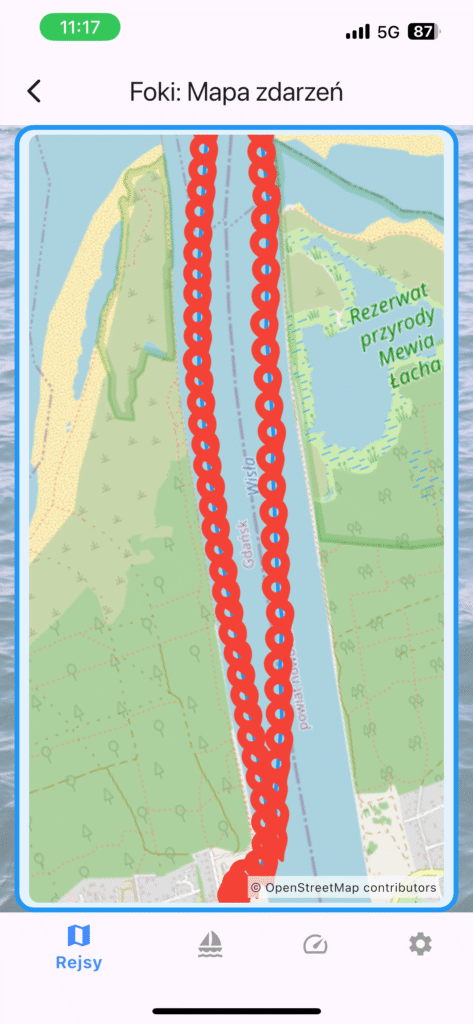
Finally mySailing Trips will allow you to track location of your yacht without coming back to your device. Version 1.2 is introducing this feature. Set intervals, set distance. Of course we must remember that system applications may interfere with these settings to certain level and our device must see the sky.
Beta version with these features is ready to test for all who joined beta program. Feel free to let me know if you want to participate in it too.
Version 1.1 – QR Code and Picture
Ok, release cycle is slowly improving. This time mySailing Trips 1.1 is available in your favorite app store. Key changes:
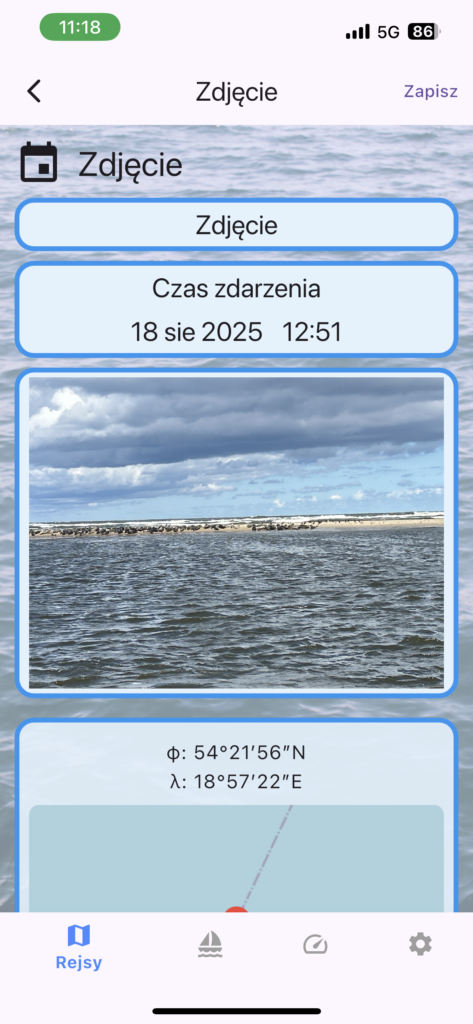
- Picture event. Take a picture and add as event. You can always copy out the picture using long touch on it
- QR Code – scan the yacht using QR Code – example for Gedania is here http://mysailing.app/yacht/gedania/

More coming soon 🙂
mySailing Trips 1.0 is live
mySailing application is evolving. Now under name mySailing Trips it will be your friend to track your sailing adventures. Features are evolving, new features are coming soon. Give it a try and join our community. I do my best to maintain the same options on Android and iOS.

Coming to Play Google
Finally! mySailing Trips has completed closed testing phase and is available for open testing on Play Google. This also allows me to prepare release available in official store.
Please join Open Testing and share your feedback.
Android and iPhone testers needed
mySailing application is entering the closed testing phase of new version which will be available for both platforms. At first it may offer a few less features then original one but finally it is possible to use it on both platforms.
Please join the testing.